
Every RSS reader treats your feeds as a to-do list. Current doesn't.
There are no unread counts. No badge of phantom obligation. Just a river.
New articles flow in at the top. Old ones drift downstream. Nothing is owed.
You step in whenever you like, read what catches your eye, and step out when you're done.
Reading should feel like floating, not drowning.
Scroll to explore
The Feed
Content Velocity
Every source gets a velocity: Breaking, News, Article, Essay, or Evergreen. Fast sources age out in hours. Slow ones stick around for weeks. The river stays fresh without you lifting a finger.
Five speeds. One river.
Organization
Currents
Group your feeds into focused streams: Tech, Culture, Morning reads. Switch context with a swipe. Each Current is its own river.
Swipe between worlds.
Discovery
Voices
Writers become people, not faceless feeds. Active voices appear in full color; quieter ones fade to greyscale. A chronological timeline weaves their posts together so you can follow the conversation.
Writers, not feeds.
Reading
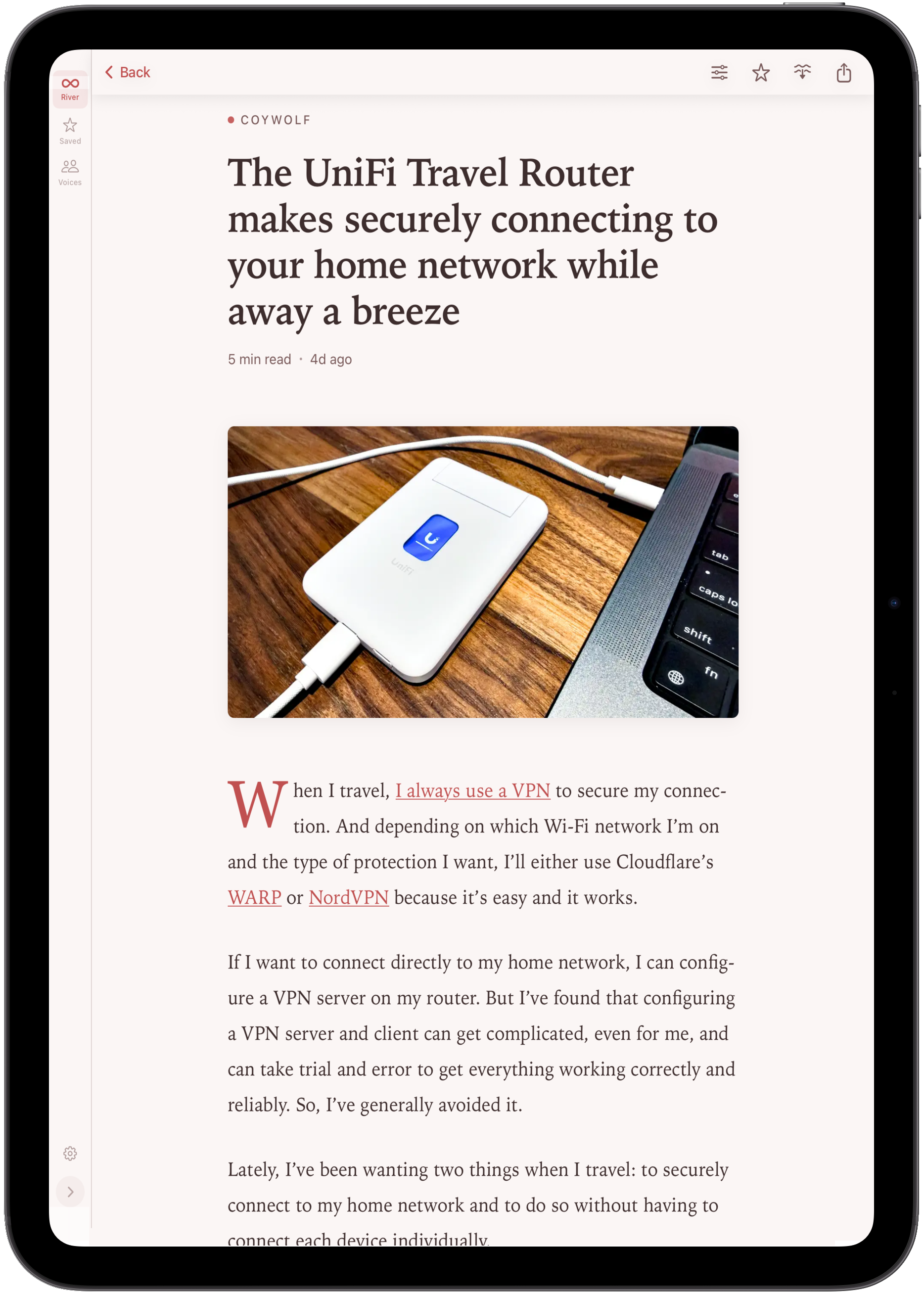
A Beautiful Reader
Nine handcrafted themes, each with light and dark modes. Adjustable font scale, comfortable typography, and a reading experience designed for long-form content.
Tap, read, release.
Pick a palette. The whole site transforms.
Try a theme. The whole site transforms.
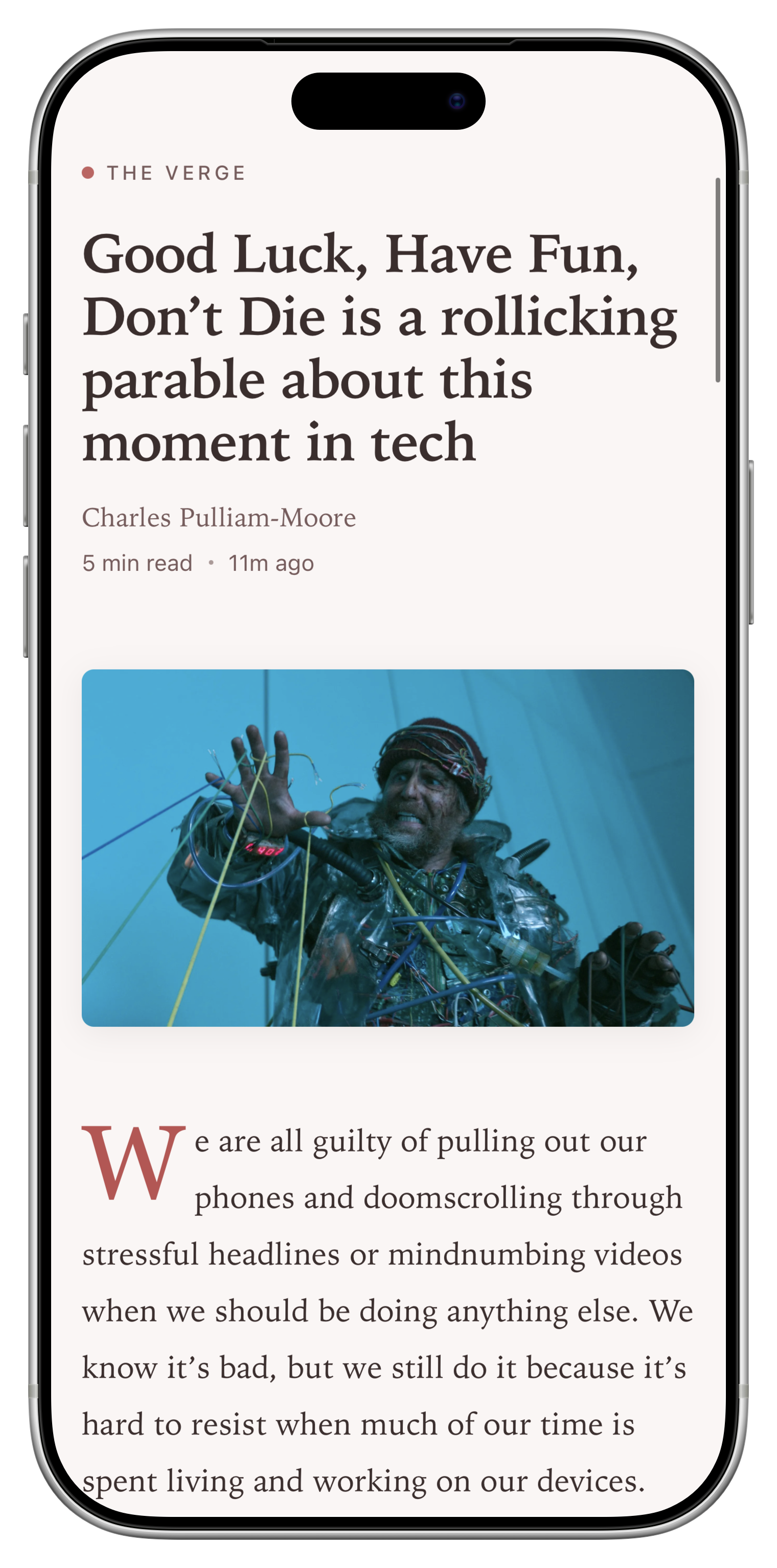
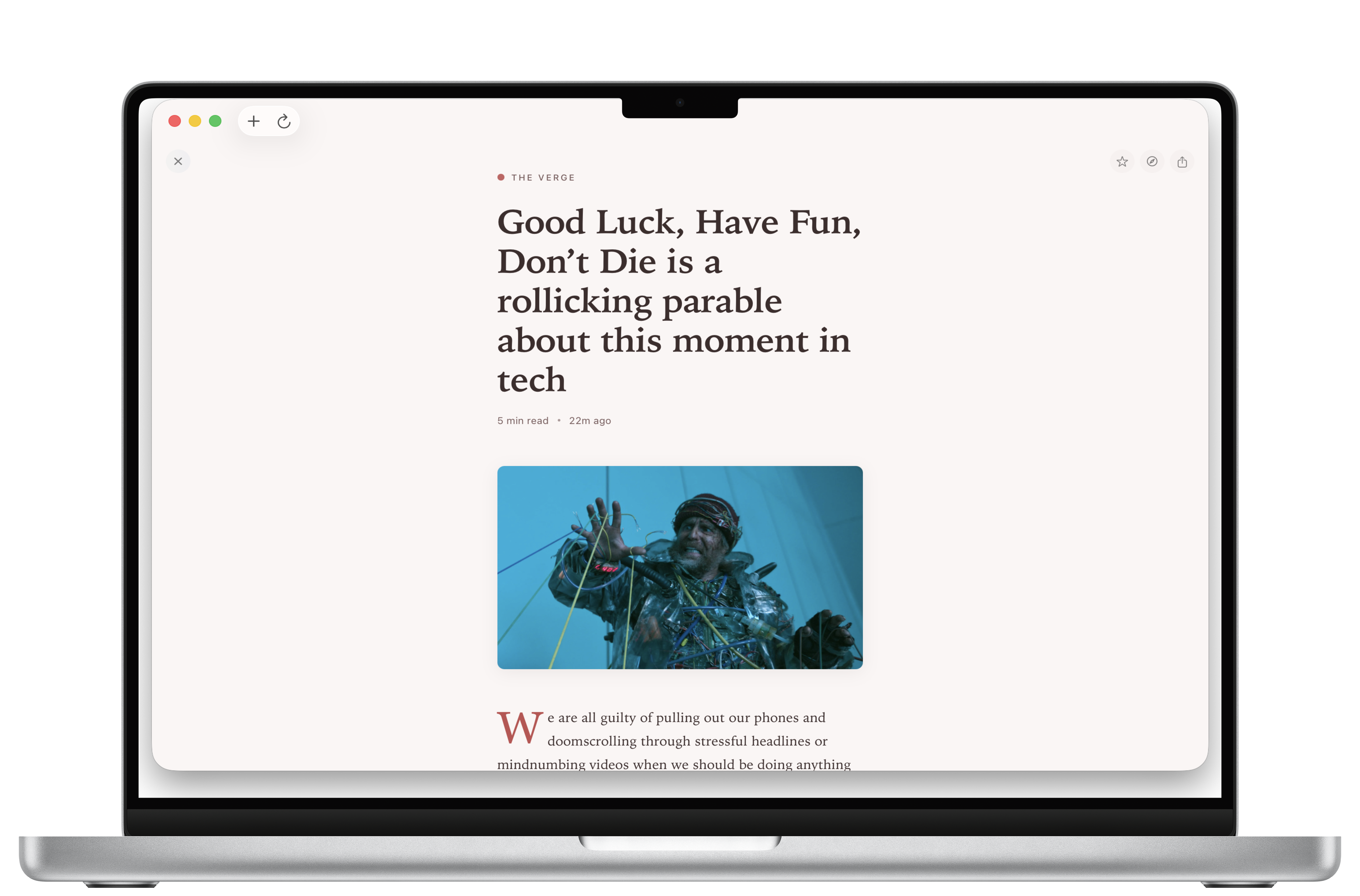
The Current Reader
The Art of Noticing: Reclaiming Attention in a Distracted World
Jane Doe · 8 min read
Attention is the rarest and purest form of generosity. In a world of infinite scroll and endless notification, the act of truly noticing something, of giving it the gift of your undivided presence, has become almost countercultural.
The river metaphor isn't about passivity. It's about presence. You're not behind on a river. You're just wherever you are, watching whatever flows past...
Everything else
Content Velocity
Control how quickly articles age out. Breaking news expires fast. Essays linger.
Swipe Actions
Four configurable slots. Mark read, save, release, share. Your gestures, your rules.
Read Later
Save articles offline with a single gesture. Content and images cached automatically.
Sync Services
Feedbin, Newsblur, FreshRSS, Miniflux, or any Google Reader-compatible service.
Keyboard Navigation
Full keyboard support. j/k to browse, Sift Mode for triage, Command Palette for everything.
The Waterline
A subtle marker shows where new content begins. No counts needed.
iPhone.
iPad. Mac.
One app. All three platforms. $9.99, once, forever.
No subscription. No ads. No tracking.
“Reading should feel like floating, not drowning.”
